TraceAI
A structured graph for research, not a chat window
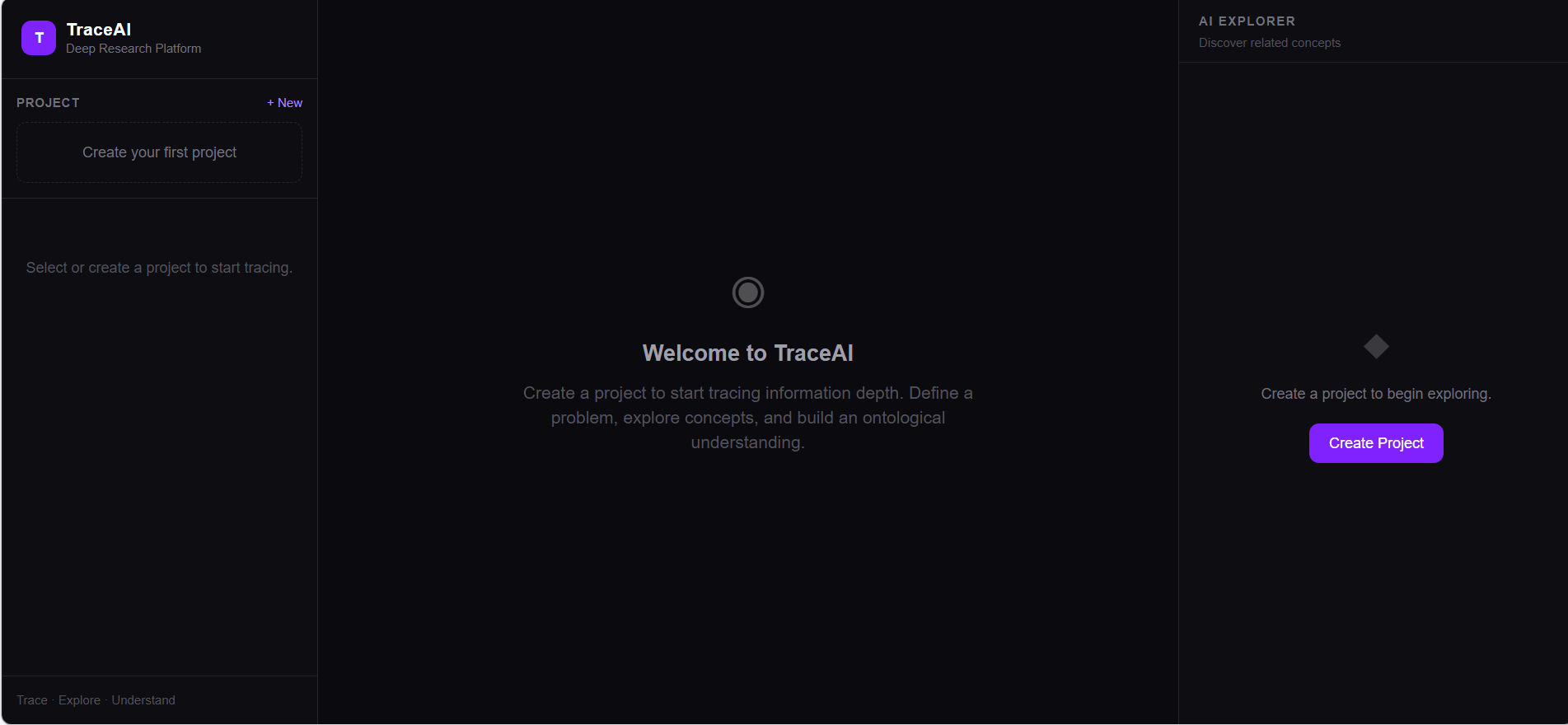
Built because I kept losing track of why I believed something during long research sessions. TraceAI maps a research problem as a graph — concepts, hypotheses, evidence, issues — and every AI interaction is scoped to a specific node with the full problem context visible. Nothing gets added to the graph without your approval.
The Core Idea
Ask a current AI research tool where its answer actually came from. You'll get another answer.
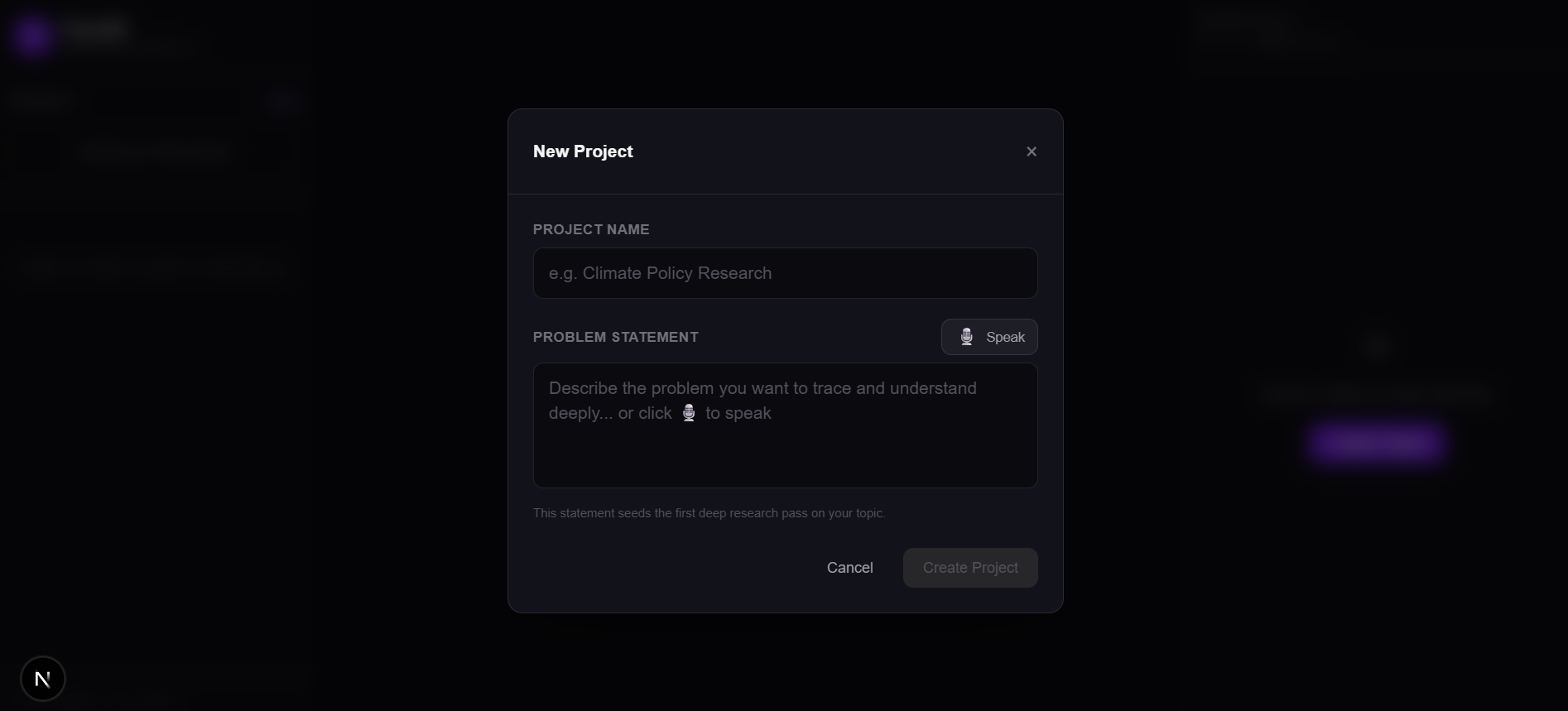
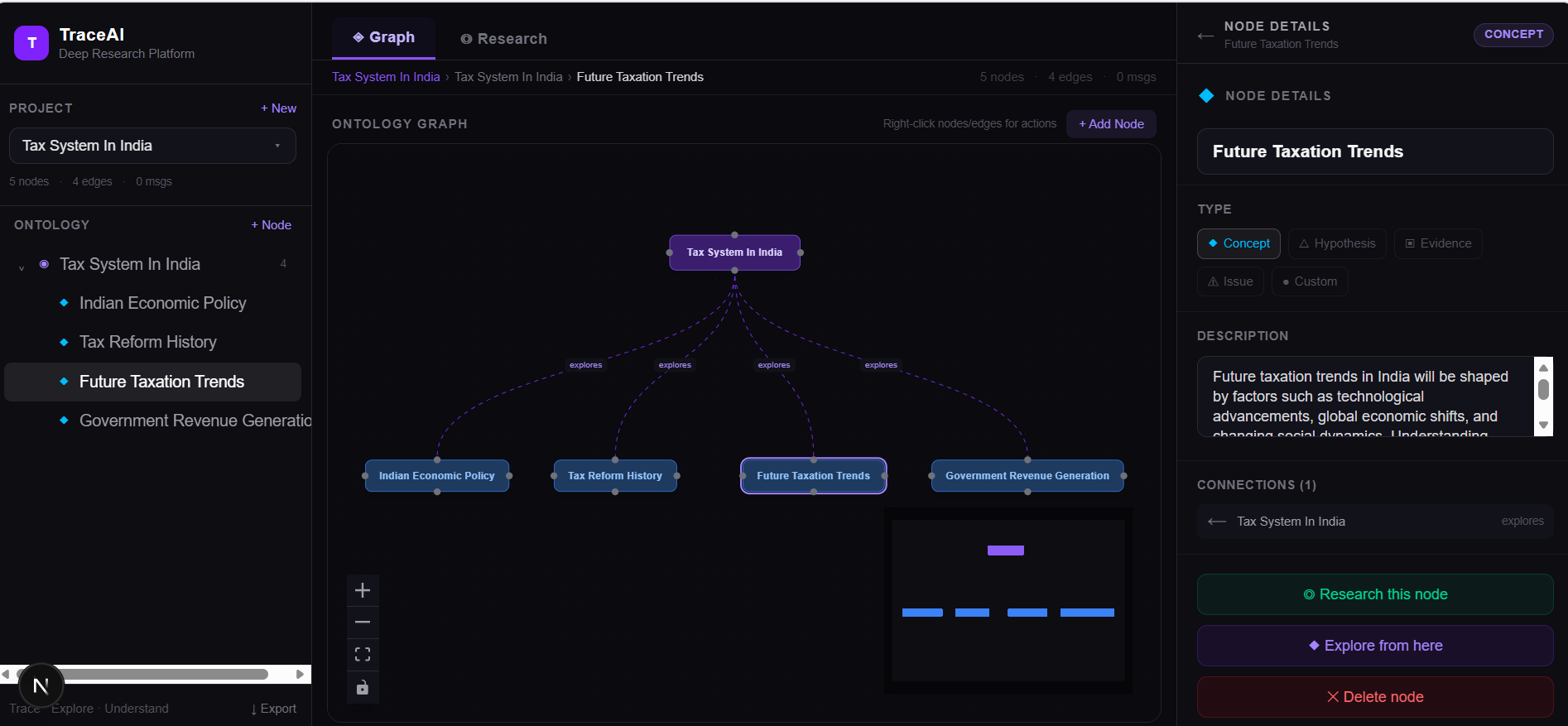
TraceAI works differently: knowledge is a graph, not a conversation. You define a problem statement — that becomes the root node. You explore concepts related to it. Each one becomes a typed node (concept, hypothesis, evidence, issue). The AI only suggests concepts that don't already exist in your graph — no repetition, no circular reasoning.
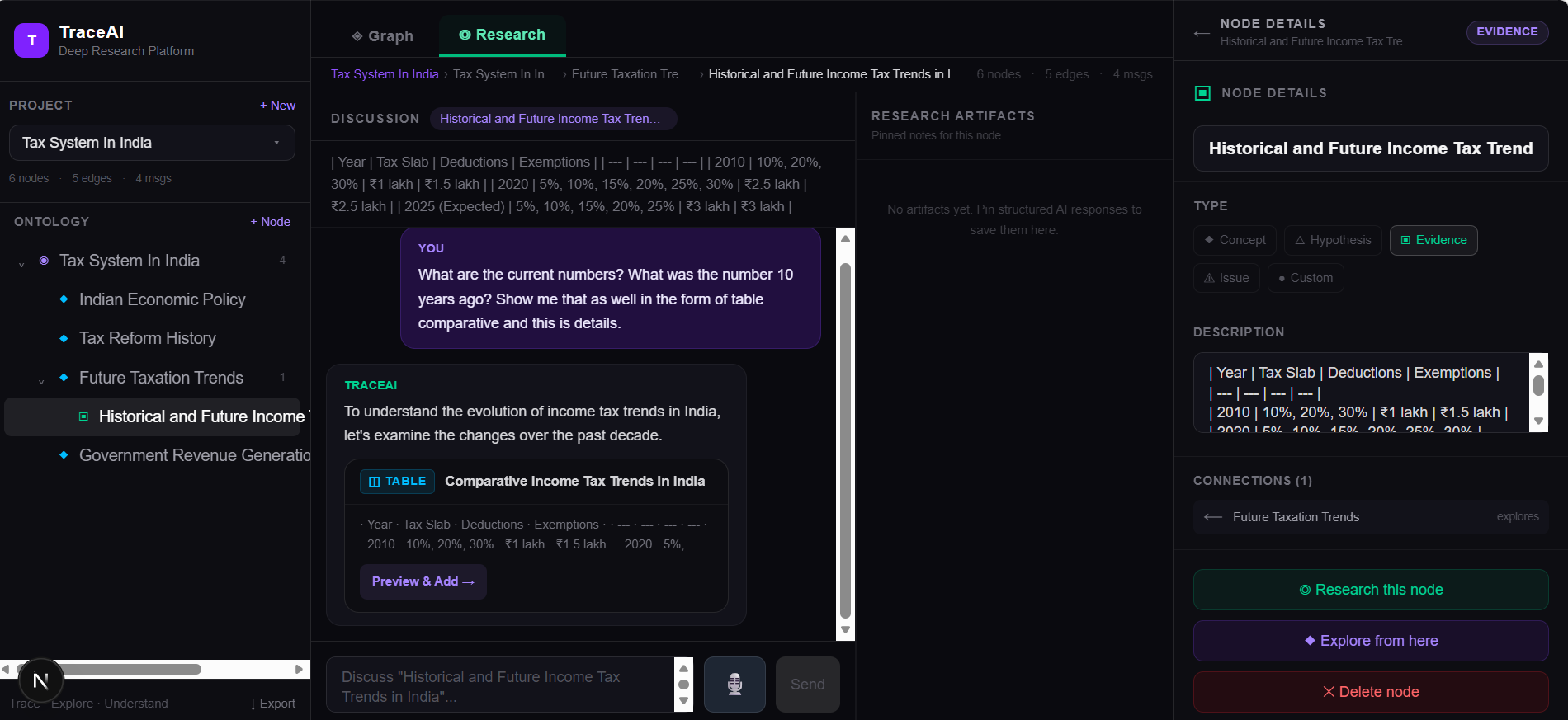
Every AI discussion is scoped to a specific node and has access to the full problem context. Structured responses — tables, comparisons, step-by-step breakdowns — are pinnable research artifacts tied to specific nodes, not raw text buried in chat.
The result is a research session you can export, re-enter, and share with someone who can trace exactly how you got there.
What It Looks Like
How It Works
- 1You define a problem statement. This becomes the root node of your ontology graph.
- 2The AI suggests related concepts that don't already exist in your graph — preventing circular reasoning.
- 3Each concept becomes a typed, colour-coded node: Concept, Hypothesis, Evidence, or Issue.
- 4Relationships between nodes get labelled edges: 'causes', 'contradicts', 'supports', etc.
- 5Per-node AI discussion threads run with full problem context — the LLM sees the whole graph, not just the current message.
- 6Structured AI responses (tables, comparisons, step-by-step analyses) are pinned as research artifacts to specific nodes.
- 7Voice input (Groq Whisper) lets you speak your problem statement or queries.
- 8The full project exports to JSON — shareable, inspectable, traceable from root to leaf.
Technical Stack
Open Design Problems
These are hard problems worth thinking about. If you have informed opinions or prior work in any of these areas, that's a good reason to reach out.
Is a flat node-edge graph the right structure, or does the ontology need richer semantics — confidence scores, source reliability weights, temporal validity?
How do you prevent the graph from becoming too wide too fast? When does breadth stop helping and start obscuring?
The current approach passes the full problem context into every LLM call. This works but doesn't scale to large ontologies. What's the right retrieval strategy when the graph has hundreds of nodes?
How do you detect when an AI response is fabricating vs. reasoning from actual structure — without requiring a full citation system?
Research is non-linear. The current graph auto-layout doesn't reflect how people actually think through a problem. What would a better spatial metaphor look like?
Voice input is useful for seeding a problem, but is it the right input mode for deeper exploration, or does it create noise?
Open to Collaboration
The core works. The harder questions — around knowledge representation, context scaling, and what a useful research session actually looks like — are still open. If you work in any of these areas:
Useful backgrounds:
- Knowledge representation / ontology engineering — RDF, OWL, knowledge graphs, or similar
- AI/ML with a focus on grounding and factuality — RAG systems, citation networks, hallucination detection
- Research tool design / information architecture — how people actually navigate complex information spaces
- Full-stack (Next.js / React / TypeScript) — if you want to build features directly